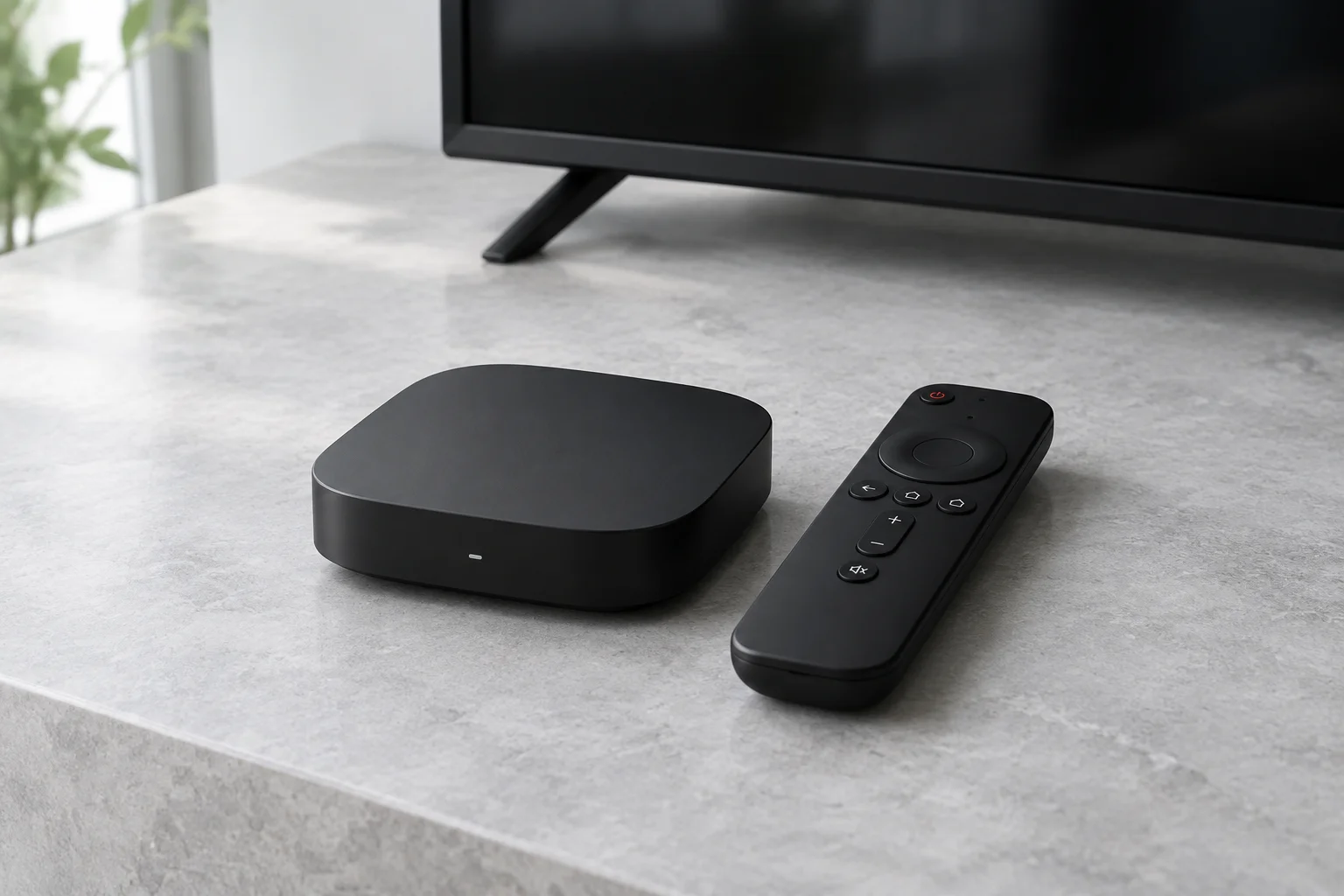
Start with the operating system
A television brand or streaming-stick name is not enough to establish compatibility. Find the exact model and operating system in its settings, then open the official app store on that device. A guide for a different generation can send you to software your device cannot run.
The device guides below explain the checks for each screen. They are not a promise that this service supports every listed device. Confirm the provider’s login format and device limits before ordering.
Choose software that fits the screen
A remote-control interface suits a television; touch controls suit a phone or tablet. Check subtitles, parental controls and programme-guide support in the actual app listing. TiviMate’s publisher describes a large-screen interface, not a universal mobile app.
Test the whole viewing chain
You need a compatible device, a suitable player, a stable connection and authorised content access. A powerful device will not fix an expired provider account. Test on the screen and network you intend to use, rather than assuming a successful phone test guarantees television playback.
Sources and further reading
Official references for the guidance above. App availability and terms may change.